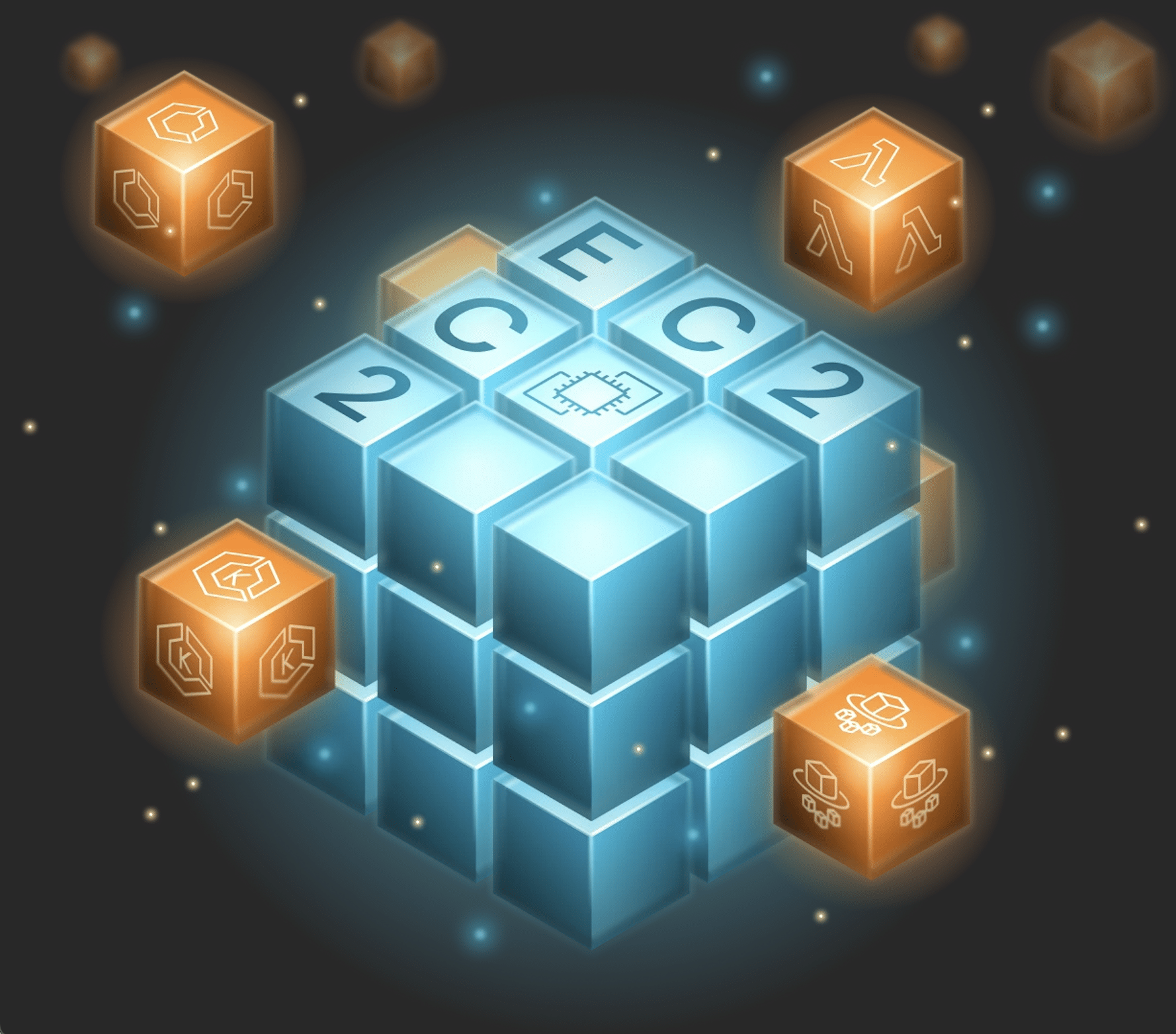
You’ve made it to the cloud, with applications now running in Amazon EC2—a solid first step. But as many teams discover, lift-and-shift alone doesn’t unlock the full potential of the cloud. The real value of the cloud lies in going beyond lift-and-shift to true cloud-native services through architectural modernization and refactoring.
If your applications live in EC2, you’re probably running into some common challenges: fixed costs, underutilized instances, and manual operations that eat up time and budget. Some incremental improvements include containerizing workloads, adopting managed databases, and automating pipelines. All of these are worthwhile. Yet, application complexity often persists. Monoliths stay tightly coupled, build times stay long, and costs stay fixed instead of scaling in a pay-per-use model.
This guide is about the next evolution to AWS-native services, where your cloud truly starts to work for you. We’ll walk through how moving to managed services can reduce cost and complexity, how to match workloads with the right service, when each option makes sense, and how to plan your migration step by step. Our goal is to make this process clear and practical, with decision frameworks, cost comparisons, and actionable next steps.
Let’s start by examining the cost of utilizing EC2.
The real cost of EC2
We often look at things in terms of good, better, and best. Keeping applications running on your old infrastructure was good (enough). Moving them to the AWS cloud and adopting EC2 was better, as it provided the scalability and, in some cases, flexibility that were not available on-premises. But the best approach? Re-architecting your application and moving those workloads into AWS-native services designed specifically for your use-cases. That’s where true modernization and cloud value happen.
By simply migrating to and staying on EC2, here’s what lift-and-shift costs compared to modernizing your architecture. Assume a legacy application, such as a typical enterprise Java app, running on EC2 after a lift-and-shift migration vs. the same app refactored into containerized or serverless architectures.
| Category | EC2 Lift-and-Shift | Modernized Architecture | Impact |
| Compute Utilization | 25-35% average | 60-90% with autoscaling | Reduce idle cost; pay for consumption, not just time online |
| Ops & Maintenance | Manual patching, scaling, monitoring | AWS-native services handle it | 40-60% ops cost reduction |
| Licensing | Legacy app servers, database licenses | Open source / AWS-managed | 30-50% licensing savings |
| Infrastructure Cost | Fixed 24/7 instance costs | Pay-per-use | 40-70% lower runtime cost |
| Security | Customer-managed patching at the infrastructure level | Built-in encryption, automated compliance, handled by the managed service | Reduced exposure, lower audit overhead |
| Deployment Velocity | Slow, manual infrastructure deployment cycles | Rapid, automated pipelines | 3-5x faster time-to-market |
How cloud-native modernization lowers TCO
Using the numbers above, let’s look at the potential impact of refactoring a typical 3-tier Java application to a cloud-native architecture. The key takeaway isn’t the exact figures, but the 50-60% reduction in total cost of ownership (TCO) per year. For many large-scale applications, these gains mean the investment pays for itself within the first year.
| Deployment Model | Monthly Cost | Annual Cost |
| EC2 Lift-and-Shift | $30,000 | $360,000 |
| Modernized cloud-native application (EKS + Lambda + Aurora + S3 + API Gateway) | $12,000-$15,000 | $144,000-$180,000 |
ROI by application size
Another important dimension when evaluating modernization is application size. As applications grow, so does the complexity and the operational overhead required to maintain them. This typically leads to slower release cycles, larger infrastructure footprints, and higher coordination costs across teams.
Modernizing to cloud-native patterns breaks these systems down into smaller, domain-focused components that can scale independently, leverage managed cloud services, and be owned end-to-end by smaller product teams. The result is lower TCO, faster delivery, and improved adaptability as business needs evolve. Here are some examples to give a clearer picture of the benefits.
| Application Type | Scale | Typical Annual EC2 Cost | Modernization ROI |
| Average Monolith | ~2,000 classes / ~1M LOC | $250K-$400K | 2-3× improvement in cost efficiency and release velocity |
| Megalith Larger than average monoliths | ~20,000 classes / ~10M LOC | $1.5M-$3M+ | 5-10× improvement; 50-70% cost reduction |
| Cloud-Native | Distributed, <200K LOC per service | $100K-$200K | Already optimized; ongoing governance savings |
Now, let’s assume you’re convinced that migrating off of EC2 to AWS-native services is the route to go. What’s next?
Your modernization options
Just like every modernization effort, not every EC2 workload migration should follow the same path. Although AWS offers a massive amount of managed offerings, there are a few key ones that the bulk of users will migrate to. Here’s how each of these popular AWS services compares.
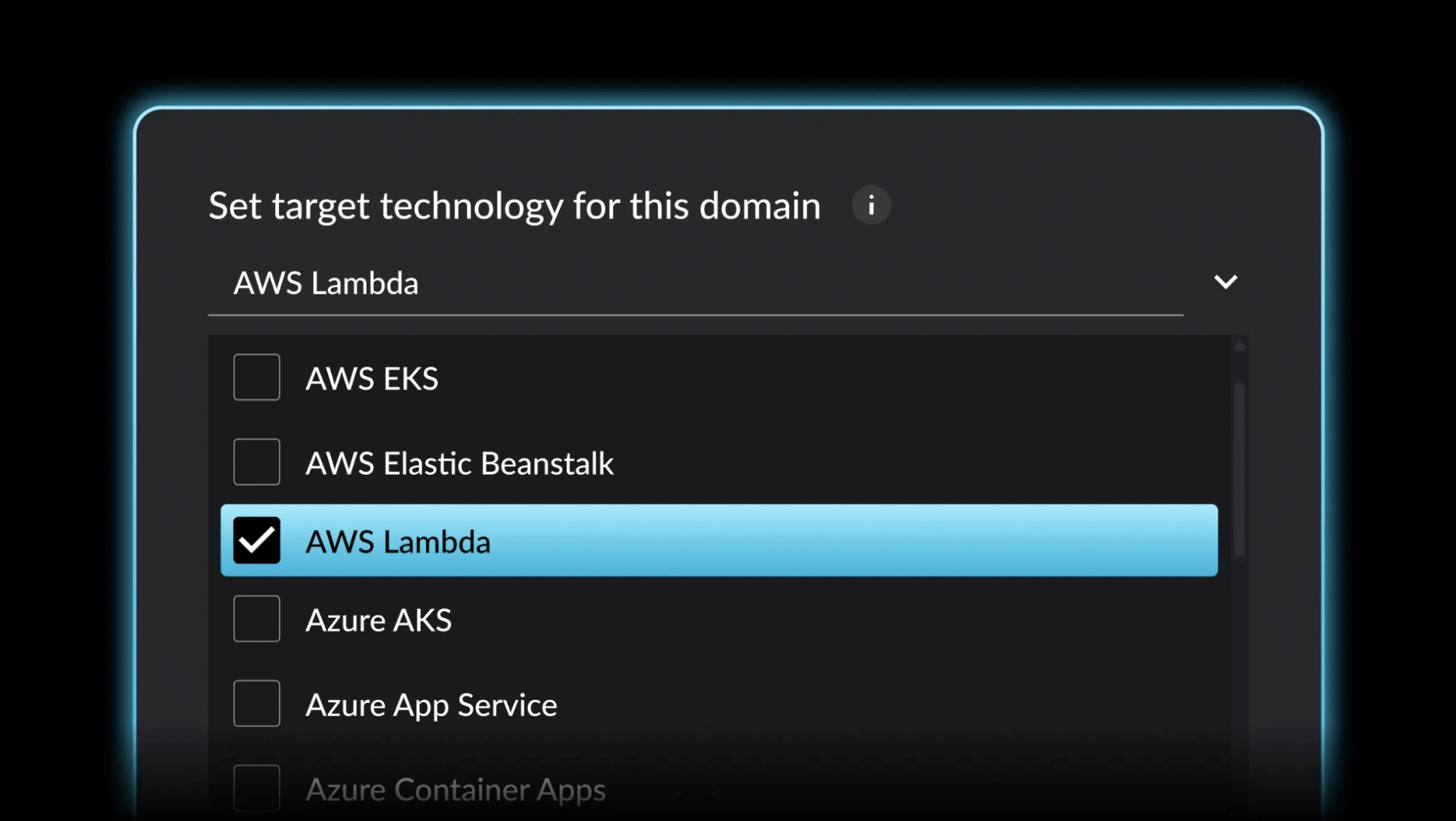
AWS Lambda: Event-driven serverless

Lambda is a serverless compute service that’s fully managed by AWS. Your code runs in response to an event that occurs. You pay only for compute time consumed—no charges when code isn’t running.
| Lambda | |
| Best for | Event-driven workloads (API calls, file processing, scheduled jobs); unpredictable or highly variable traffic; discrete functions completing within 15 minutes; zero server management. |
| Not suited for | Long-running processes >15 minutes; persistent connections or always-on workloads; applications with consistent traffic (reserved EC2/containers may be cheaper); cold-start sensitive critical paths.* |
| Economics | Pay per request and compute time (millisecond precision). Eliminates idle infrastructure costs entirely for intermittent workloads. |
An example of a workload well-suited for AWS Lambda is on-demand image processing. Consider an e-commerce platform that migrates this work from a constantly running EC2 cluster to serverless Lambda functions. By doing so, it eliminates idle compute and pays only when images are actually processed, resulting in up to 70% cost savings. Performance also improves because Lambda can automatically parallelize processing, handling multiple images simultaneously instead of sequentially.
Moreover, updating or enhancing the image-processing logic becomes far simpler. Instead of rebuilding and redeploying a full application stack, the team only needs to update the single Lambda function with no downtime and no lengthy deployment cycle.
*Think of cold-start-sensitive critical paths as points in your architecture where a single cold Lambda can slow down-or even bottleneck-an entire user request.
Amazon Elastic Container Service (ECS): Container orchestration without Kubernetes

ECS is an AWS-native container orchestration service that manages Docker containers at scale without the complexity of Kubernetes.
| ECS | |
| Best for | Containerized applications; teams wanting orchestration without Kubernetes complexity; workloads requiring tight AWS integration (IAM, CloudWatch, ALB); organizations prioritizing operational simplicity. |
| Not suited for | Multi-cloud strategies requiring Kubernetes portability; teams with deep Kubernetes expertise and specific ecosystem requirements. |
| Economics | Pay only for the underlying compute (EC2 or Fargate). No orchestration layer charges. Tight AWS integration reduces auxiliary costs for logging, monitoring, and security. |
Imagine a mid-sized financial services firm moved its trading and risk analytics platform from a manually managed EC2 environment to containerized services running on ECS with Fargate. By standardizing dependencies and removing the need to manage servers, the team significantly reduced operational overhead and eliminated capacity planning and patching work. Deployment times have improved from around 45 minutes to roughly 8 minutes due to streamlined CI/CD and blue/green deployments. The platform now scales automatically during peak trading periods, eliminating the need for manual adjustments.
The result was faster release cycles, improved reliability, and the ability for engineering teams to focus more on new features rather than infrastructure maintenance.
Amazon Elastic Kubernetes Service (EKS): Enterprise Kubernetes

EKS is a managed Kubernetes control plane that’s fully compatible with the standard Kubernetes APIs, tooling, and ecosystem, but without the operational overhead of running Kubernetes yourself. AWS handles the control plane availability, scaling, patching, and security hardening, while you still get the flexibility to run workloads using the same manifests, Helm charts, and CI/CD pipelines you’d use anywhere else.
| EKS | |
| Best for | Organizations with Kubernetes expertise; multi-cloud or hybrid-cloud strategies; complex microservices benefiting from Kubernetes features; teams leveraging Kubernetes ecosystem (service mesh, GitOps, operators). |
| Not suited for | Teams without Kubernetes experience (steep learning curve); simple applications where ECS suffices. |
| Economics | $0.10/hour per cluster ($73/month) for managed control plane, plus compute costs. Value comes from reduced operational burden and AWS integration. |
Example: A media streaming company migrated its workloads from a self-managed Kubernetes cluster to Amazon EKS, allowing it to keep its existing Kubernetes tooling, workflows, and deployment patterns while offloading control plane management to AWS. This eliminated the need to maintain the Kubernetes datastore (etcd), patch master nodes, or handle cluster upgrades, leading to more consistent reliability and fewer production incidents. As a result, the team saw a roughly 40% reduction in infrastructure management overhead, freeing engineers to focus on improving streaming performance and user experience rather than managing the platform itself.
AWS Fargate: Serverless containers

AWS Fargate is a serverless compute engine for containers that eliminates the need to provision, manage, or scale servers. You simply define your container requirements, and Fargate handles the rest.
| Fargate | |
| Best for | Containers without server management; variable workloads with automatic scaling needs; teams prioritizing developer velocity over cost optimization at scale; projects where operational simplicity justifies cost premium. |
| Not suited for | Cost-sensitive workloads at significant scale (EC2 may be more economical); specialized instance types, GPUs, high-memory configurations; workloads requiring specific performance tuning. |
| Economics | 20-50% premium over EC2 pricing, but eliminates all server management. Productivity gains often justify the premium. |
Consider a SaaS startup that launched its platform on ECS backed by AWS Fargate, allowing it to run containers without managing servers or cluster infrastructure. The environment automatically scales from about 10 containers during normal usage to over 500 during peak demand, without any manual intervention or capacity planning. Because Fargate handles provisioning, scaling, and patching, the company doesn’t need dedicated operations engineers. The team was able to focus entirely on building product features and accelerating time-to-market.
Which AWS service is best for your use case?
Now that we’ve reviewed the key services, the question is how to choose. To help, we’ve put together a high-level decision matrix that outlines common criteria and compares different AWS services. It’s not meant to be exhaustive, but it should cover the key decisions most teams face when planning their next step beyond EC2.
| Criteria | Lambda | ECS | EKS | Fargate |
| Execution time | <15 minutes | No limit | No limit | No limit |
| Traffic pattern | Variable, event-driven | Any | Any | Variable to steady |
| Server management | Zero | Low (if using Fargate) to Medium (if using EC2) | Medium to High | Zero |
| Kubernetes required | No | No | Yes | No |
| Multi-cloud portability | No | No | Yes | No |
| Operational complexity | Low | Low-Medium | High | Low |
| Cost model | Pay per invocation | Pay for compute | Pay for compute + control plane | Pay for task resources (premium pricing) |
| Cold start concern | Yes (100-1000ms) | No | No | No |
| Best for team size | Any | Small to Large | Medium to Large (requires K8s expertise) | Small to Medium |
If we condense the above into the strengths of each platform, here is the quick guide to selecting a service based on the workload:
| If your workload… | Choose |
| Event-driven, completes in <15 min, variable traffic | Lambda |
| Containerized, AWS-focused, simple orchestration needs | ECS |
| Requires Kubernetes, multi-cloud portability critical | EKS |
| Containers without servers, ops simplicity > cost | Fargate |
| Steady 24/7 load, cost-sensitive at scale | ECS on EC2 (with right-sizing) |
Migration phases
Migration never happens in a single step. It unfolds in phases-each one critical to getting the next right. Just like other modernization initiatives, EC2-to-AWS managed service migrations require careful planning, execution, and testing. Here’s a conventional roadmap for migrating a workload from an EC2-hosted application to managed AWS services using traditional methods.
Keep in mind: later phase timelines depend on your app’s complexity and footprint (so duration is intentionally flexible).
| Phase | Duration | Key Activities | Success Criteria |
| Assessment | 2-4 weeks | Inventory workloads and dependencies. Analyze utilization patterns and current costs. Map integration points. Evaluate architecture complexity and technical debt. | Complete workload inventory with utilization data, dependency map, and baseline cost model |
| Planning | 2-4 weeks | Prioritize targets by ROI and feasibility. Match workloads to destination services using a decision framework. Design target architecture and integration patterns. Model future costs. | Business case approved with target architecture, cost projections, and migration roadmap |
| Proof of Concept | 4-8 weeks | Select a representative pilot workload. Containerize or refactor the application. Deploy to the target service and validate functionality. Compare performance and costs to baseline. | Working pilot deployment with measured results showing expected improvements |
| Migration | Varies by scope | Build a migration factory with repeatable processes. Execute in waves with rollback capability. Implement comprehensive observability. Train engineering and ops teams. | Production workloads migrated with minimal disruption, teams trained, and monitoring operational |
| Optimization | Ongoing | Monitor against targets. Right-size resources and implement cost controls. Identify the next modernization candidates. Refine architecture based on production learnings. | Cost and performance targets met or exceeded, continuous improvement pipeline established |
Why migrations go wrong
Although the phases above look simple on paper, a lot can go wrong, from underestimating costs to making the wrong technology or architecture choices. Let’s look at some of the most common pitfalls and what to do instead.
| Category | What Goes Wrong | What To Do Instead |
| Cost Modeling | Underestimating data transfer between services; forgetting API Gateway/load balancer costs; not planning for dual-running during migration | Build comprehensive cost models, including networking, managed service tiers, and migration period overlap. Use AWS Pricing Calculator with realistic traffic patterns. |
| Architecture Decisions | Assuming all workloads benefit from serverless; ignoring Lambda cold starts in latency-sensitive paths; underestimating Kubernetes operational complexity. | Match workload characteristics to service capabilities. Steady-state applications may be cheaper on reserved instances. Profile cold start impact before committing to Lambda for user-facing APIs. |
| Legacy Integration | Underestimating effort for tightly coupled dependencies; not planning for database migration complexity and downtime; overlooking hybrid architecture network requirements | Map dependencies early. Plan database migrations separately with appropriate tooling (DMS, logical replication). Design for backward compatibility during transition. |
| Team & Process | Moving too fast without ops team buy-in; inadequate training on new patterns; unclear ownership of modernized services; underestimating cultural shift | Involve ops from day one. Invest in training before migration. Establish clear ownership models. Treat cultural transformation as seriously as technical transformation. |
| Refactoring Scope | Assuming containerization equals cloud-native; not addressing application-level architectural debt; overlooking session management, caching, and state handling | Containerization is the starting point, not the finish line. Implement proper health checks, graceful shutdown, and 12-factor principles. Refactor stateful patterns for distributed systems. |
For many teams, this traditional process works, but it’s slow, manual, and heavily dependent on deep architectural knowledge. That’s where an architectural modernization platform like vFunction reshapes the experience.
Faster modernization with vFunction
Part of the reason these migrations take so long is that they require deep reworking of an application’s core services. Refactoring is a big lift that compounds with an application’s size and complexity.
vFunction architectural modernization significantly condenses timelines, depending on the application and use case, while also reducing risk, cost, and time-to-value without compromising quality.
The net result: this AI-driven modernization approach compresses what traditionally takes 6-12 months into just weeks, depending on a team’s readiness.
Here’s how that process looks when using a specialized architectural modernization platform like vFunction for AWS migrations:
| Phase | Duration | What vFunction Does | Impact |
| Collects data | 1-3 days | vFunction collects static and dynamic data from your Java and .NET applications via a locally installed server, capturing flows, call trees, resource access, and dependencies while learning your app’s architecture for detailed mapping and analysis. | Replaces weeks of manual inventory and dependency mapping |
| Analyzes | 1-3 days | Use the collected data to visualize your architecture, revealing service boundaries, dependencies, and interactions. Identify domain boundaries, anti-patterns, and sources of complexity to set the stage for precise, high-impact modernization. | Condenses architectural analysis from weeks to days |
| Modularizes | Days to weeks | vFunction compares your target architecture to collected metrics, generating to-dos to fix issues and modularize code. It pushes tasks to Jira or AWS-native planning tools and utilizes VS Code or its embedded MCP server to deliver architecture-aware prompts for AI assistants, such as Amazon Q or GitHub Copilot. The process is often completed in just a few days for simple apps or a few weeks for the most complex ones. | Accelerates refactoring by 60-80% through AI-assisted, architecture-aware guidance |
| Extracts Services | 1-2 days | Once code is refactored, vFunction automatically extracts domains into separate services, generating APIs, client libraries, and documentation, streamlining the move from monolithic to modular architecture. | Automates what traditionally takes weeks of manual API creation |
| Upgrades Frameworks | 1-2 days | Use integrated code assistants to modernize the frameworks of specific domains, services, or modules created by vFunction. Upgrade language versions and frameworks -such as migrating from Apache Struts Forms to REST or from JEE to Spring Boot -quickly and with precision. | Framework upgrades that typically take weeks now take days |
| Manages and Maintains | Ongoing | Utilize vFunction’s OpenTelemetry capabilities to document your distributed architecture, automatically generate C4 diagrams, monitor architectural drift, and identify architectural anti-patterns. | Continuous visibility replaces periodic manual reviews |
Tools and programs that can help
AWS and vFunction have a wide assortment of support for these types of modernization and migration efforts. These types of migrations are common, and AWS has put a massive amount of effort into making it easy and cost-efficient. Here are a few tools and programs that can help make the entire process easier and successful:
1. AWS Migration Acceleration Program (MAP)
Not just funding, you also receive financial assistance, plus dedicated AWS Solution Architects who have successfully completed hundreds of migrations. For qualified engagements, AWS MAP can offset significant migration costs while giving you access to proven expertise.
2. AWS Application Discovery Service
AWS Application Discovery Service automates the grunt work of cataloging your infrastructure. It discovers servers, dependencies, and utilization patterns-eliminating manual inventory and uncovering hidden dependencies that derail migrations.
Paired with vFunction, teams can go a layer deeper, from infrastructure visibility to true architectural insight. While ADS maps how servers and services connect, vFunction identifies and analyzes the internal structure of your applications, pinpointing domains, dependencies, and complexity that drive modernization planning. Together, they help you plan migrations with confidence and prioritize which applications to modernize first.
3. AWS Modernization Experience-Based Acceleration (ModAx) & Pathways
Hands-on workshops and guided implementations delivered by AWS experts and partners. The Move to AI modernization pathway (now part of ModAx) specifically helps organizations modernize infrastructure and applications to support AI/ML workloads and agentic systems. You can reach out directly to your AWS account team to get started if you prefer this approach.
4. AWS ISV Tooling Program
For qualified AWS customers, AWS offers a financial support program for workload migration that offsets the cost of modernization by funding specialized third-party tools. Through this program, AWS can cover vFunction licensing for qualified customers, helping teams significantly reduce upfront investment and accelerate complex modernization projects.
vFunction works with AWS users to analyze monolithic applications and automatically identify microservice boundaries, dead code, and refactoring opportunities, so teams can modernize faster, with less risk and no upfront cost for qualified accounts.
5. AWS Well-Architected Framework
The AWS Well-Architected Framework consists of six pillars (operational excellence, security, reliability, performance efficiency, cost optimization, and sustainability) with prescriptive guidance. Not theoretical—these are battle-tested patterns from thousands of AWS deployments that reduce risk and improve outcomes.
The results
Most organizations today are in some stage of application modernization. The rise of AI has intensified the urgency, but modernization has long been a major investment area due to aging architectures and rising operational costs. In practice, as companies adopt AWS-native services such as Lambda and ECS, we see:
- 50-60% lower TCO through optimized utilization, reduced licensing, pay-per-use pricing
- 5x faster deployments through modular architecture and automated pipelines
- <1 year ROI for most large-scale applications
- 40-60% ops reduction through handling patching, scaling, and failover
- Enhanced security with built-in encryption, identity integration, and automated compliance
Beyond cost savings: the ability to rapidly experiment with AI/ML, integrate new services, and respond to market changes is another key business (and technology) win.
Conclusion
The gap between lift-and-shift and true cloud-native modernization isn’t just about upgrading to the latest technology; it’s also about economics. The larger your legacy portfolio, the greater the potential gains.
The question isn’t whether to modernize, but how strategically you approach it. Use the frameworks and data in this guide to match workloads to the right services, avoid common pitfalls, and strengthen your business case.
vFunction helps accelerate that journey through automated architectural analysis and refactoring. For qualified AWS accounts, it’s available fully funded through the AWS ISV Tooling Program, enabling teams to modernize faster and with less risk.
Interested in exploring what modernization could look like for your EC2 workloads? Connect with the vFunction team to learn how architectural intelligence can help you move faster with less risk and no upfront cost for qualified AWS accounts.